How to Specify a Workshop Storage System with the Boscotek Configurator
Step-by-step: use the Boscotek configurator to spec benches, high-density cabinets and mobile storage, with live pricing, a PDF quote and a BIM file.

Specifying workshop storage used to mean catalogues, spreadsheets and a lot of emails. The Boscotek configurator lets you design benches, high-density cabinets and mobile storage yourself, see the price as you go and download what you need for approval. Here's how to get the best out of it.
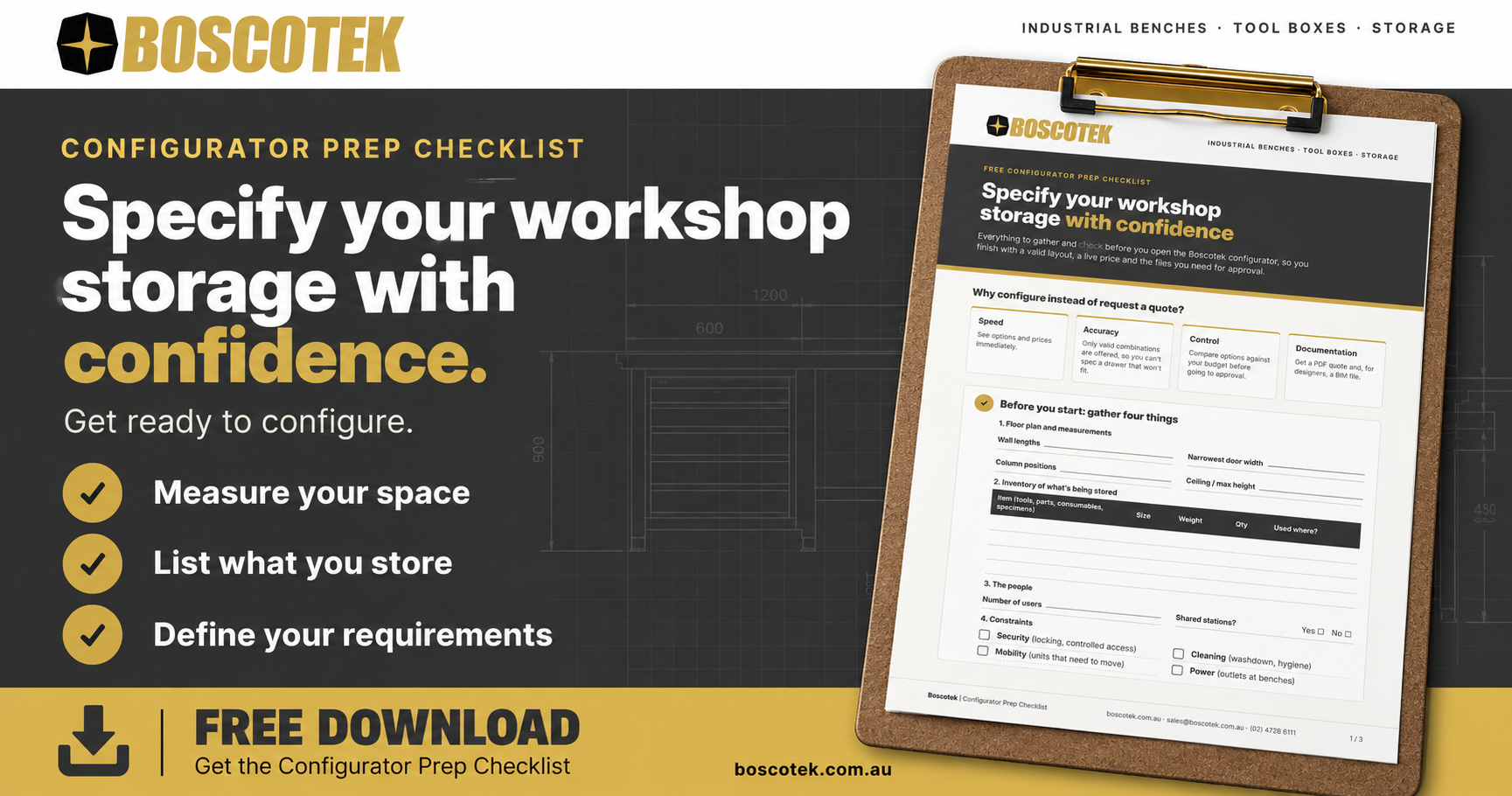
Why configure instead of request a quote?
Speed. You see options and prices immediately.
Accuracy. The configurator only offers valid combinations, so you can't spec a drawer that won't fit.
Control. You can compare options against your budget before going to approval.
Documentation. You get a PDF quote and, for designers, a BIM file to drop into the building model.
Boscotek has nine configurators across our core ranges. They're part of a group-wide launch of 45 configurators across OPIE Manufacturing Group's brands.
Before you start
Gather four things:
Floor plan and measurements: wall lengths, door widths, column positions.
An inventory of what's being stored: tools, parts, consumables, specimens. Note sizes and weights.
The people: how many users, and whether they share stations.
Constraints: security, cleaning, mobility, power.
Step 1: Start with the work
Storage should follow the workflow. Put the most-used items closest to the point of use, and keep heavy items low. If work happens at a machine or an airframe, plan mobile storage rather than a distant store. HeliMods made exactly that call (case study).
Step 2: Choose the cabinet family and size
Boscotek high-density cabinets come in two depths: S Series at 605mm and D Series at 755mm. Choose height to suit reach and floor space. A bench-height cabinet doubles as a work surface, while full-height cabinets maximise storage per square metre. Read our workshop storage FAQ for more on cabinet families.
Step 3: Plan the drawers
This is where high-density storage earns its keep:
Drawer heights: match them to the items. Shallow drawers for small tools, deep drawers for power tools and parts.
Load ratings: full-extension drawers are rated around 150–200kg depending on cabinet width. Single extension is lighter duty, around 80kg. Our load ratings guide explains the difference.
Partitions: divide drawers so every item has a home. That's the basis of visual tool storage.
Security: central locking and anti-tilt interlocks are standard considerations for shared spaces.
Step 4: Add benches and mobile units
Add workbenches with the top, height and under-bench storage that suit each station. Then add mobile tool carts or line-feed trolleys where tools and parts need to move. Because they're designed as one system, the units align and look consistent.
Step 5: Price, quote and download the BIM file
As you build, the configurator shows live pricing. When you're done:
Download a PDF quote for your approval process.
Download the BIM file if an architect or designer needs to include the layout in a model.
Distributors can log in to quote their own customers.
When to call us instead
The configurator handles the standard range well. Talk to our team when you have:
Unusual dimensions or loads, such as oversized museum specimens
Whole-facility planning across multiple rooms
Integration with other building elements
Installation in hard-to-access sites
Our engineers designed the range, and the products are manufactured by OPIE Manufacturing Group at Emu Heights, so custom changes are a conversation, not a problem.
Frequently asked questions
Do I need to know part numbers to use the configurator? No. You choose by size, function and options, and the configurator assigns the right components.
Can I save a design and come back to it? Use the PDF quote as your record, and rebuild or adjust the configuration whenever you need to.
What if my layout covers several rooms? Configure each area separately, or send us your floor plan. For multi-room or whole-facility projects, our team can help plan the layout and staging.
Are configured products made to order? Yes. Every configured product is manufactured to order by OPIE Manufacturing Group in Western Sydney and backed by Boscotek's 5-year warranty.
Start now: configure it and download the BIM file, or contact us for help planning a larger project.
